
My Top Tips for Staying Safe from Cybercriminals in Liverpool


People ask me for a shortlist all the time. Something they can actually stick to, not a fifty point checklist that ends up ignored. So here's the handful of things I genuinely think matter most for anyone in Liverpool trying to stay a step ahead of cybercriminals.
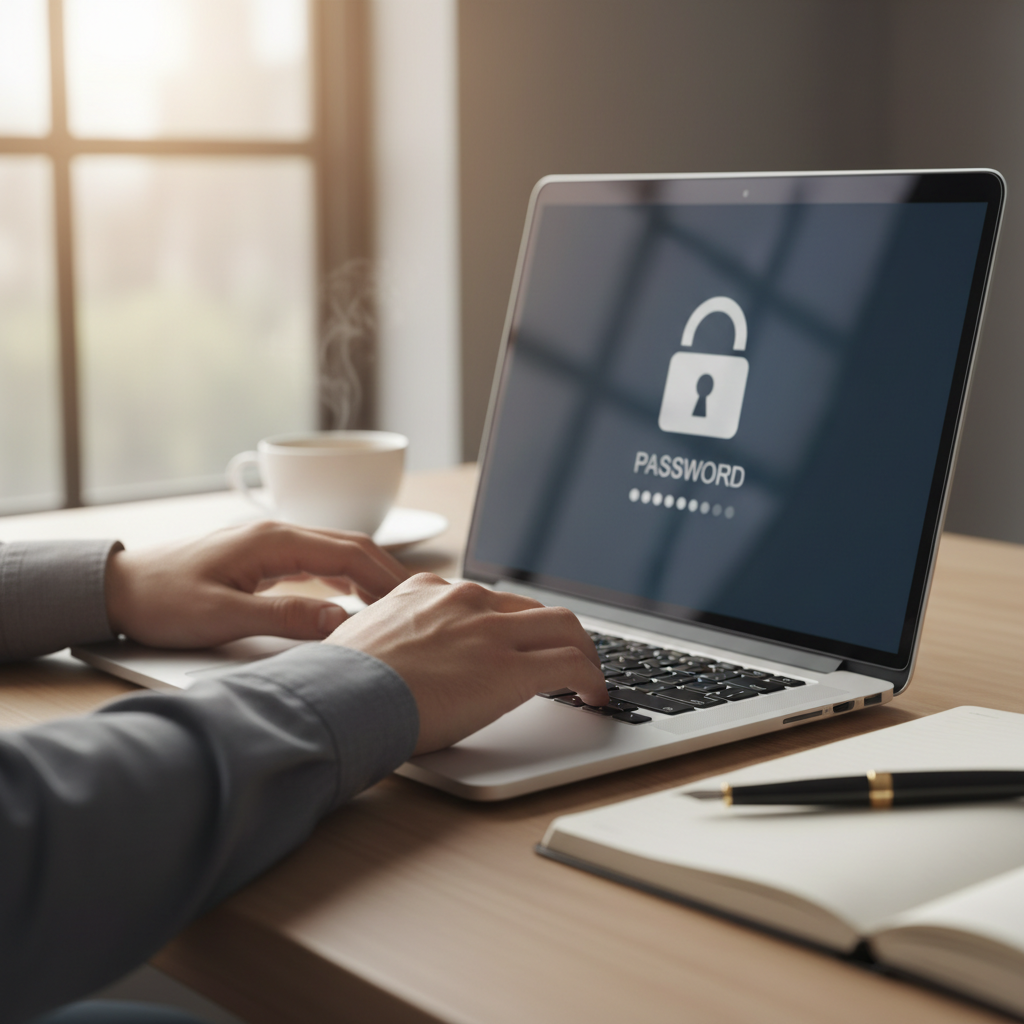
Lock Down Your Passwords First
This is the one people skip and the one that causes the most damage. If you're reusing the same password across your email, your bank, and every shopping site you've ever signed up to, one leaked site is all it takes for someone to get into everything else. I use NordPass to generate and store unique passwords for every account, so I never have to remember them or reuse them. It also flags weak or reused passwords automatically, which is a handy way to see how exposed you actually are without having to check every account by hand.
Keep Your Software Updated
Those update notifications you keep dismissing usually contain security patches for holes that criminals already know how to exploit. It's not just your laptop either. Your phone, your router, and any smart devices in your home all need the same attention. I set most of mine to update automatically overnight so I'm not stuck waiting on a restart at a bad moment, and I'd genuinely recommend the same to anyone who keeps putting it off.
Think Before You Click
Most cybercrime doesn't involve any clever hacking at all. It relies on someone clicking a link or opening an attachment they shouldn't have. I've written a full guide on how to identify email phishing if you want the specifics, but the short version is to slow down whenever a message creates urgency, asks for personal details, or arrives from someone you weren't expecting to hear from. Turning on two factor authentication on your important accounts gives you a proper safety net too, since a password alone won't be enough for someone to get in even if they do trick you.
Secure Your Home Network
Your home wifi is the front door to everything else you own online, so it's worth treating it that way. Change the default router password, keep its firmware updated, and give your network a name that doesn't announce your address or surname to every device nearby. If you're working from a coffee shop or using public wifi anywhere in Liverpool, I'd also use NordVPN, which encrypts your connection so anyone else on that same network can't snoop on what you're sending. It's one of the few tools I recommend to almost everyone, technical or not.
What I'd Do If Something Slips Through
No list of tips makes you completely immune, and I'd rather be honest about that than pretend otherwise. If you think you've clicked something you shouldn't have, change your passwords straight away, keep an eye on your bank statements, and report it to Action Fraud so it gets logged and tracked properly. My Safety Toolkit has the full setup I recommend if you want to go through everything in one sitting, and you're always welcome to get in touch if you want a second opinion on something that's landed in your inbox.