
How to Identify Email Phishing: Tips for Liverpool Residents


Why Phishing Emails Work So Well
Phishing isn't a technical attack, it's a psychological one. The email is designed to make you react before you think, using urgency, fear, or the promise of something good to short circuit your usual caution. That's why it catches out careful, switched on people just as often as anyone else. I've seen it happen to solicitors, accountants, people who spot scams for a living in every other part of their day. Knowing it's designed to rush you is half the defence.
The Red Flags I Always Check First
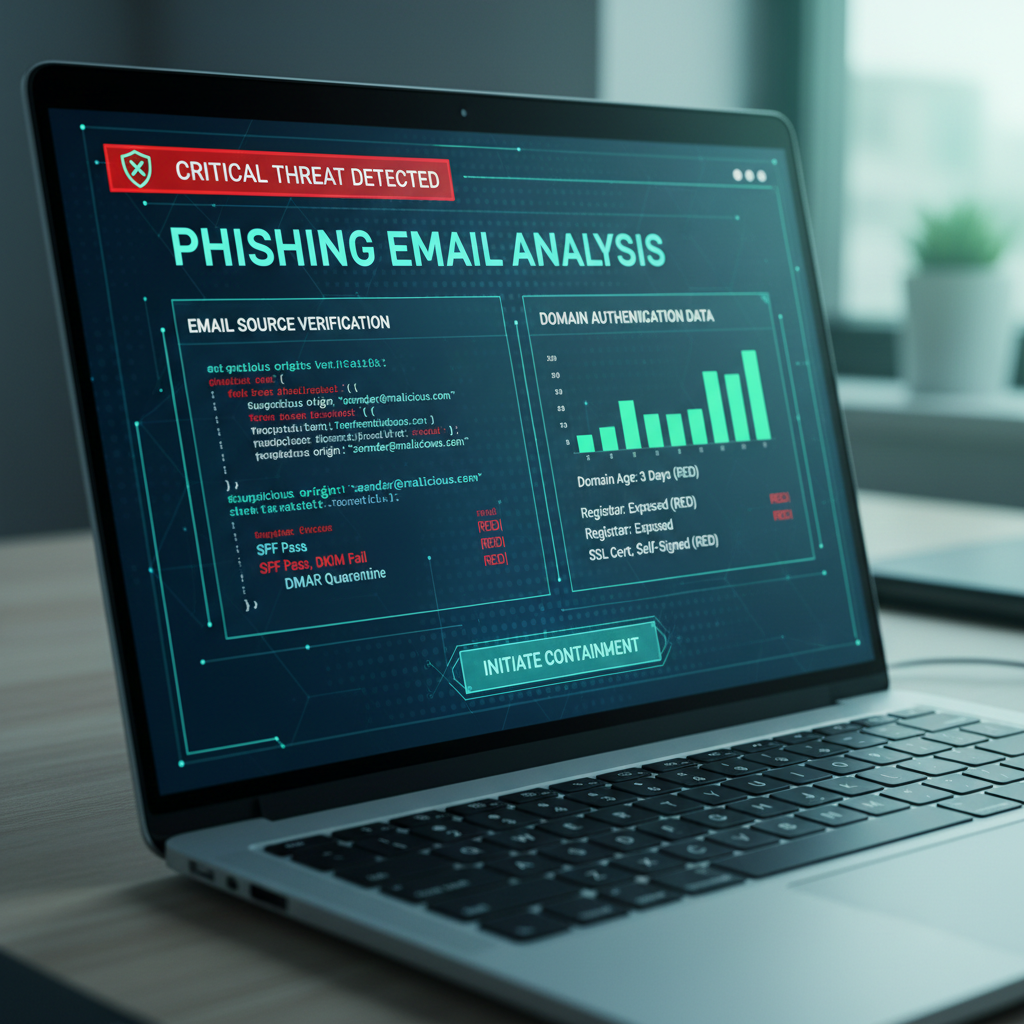
Before I do anything else with a suspicious email, I check three things. First, the sender's actual email address, not the display name, by tapping or hovering on it. Second, whether the message is creating pressure to act right now, a locked account, a missed delivery, a suspicious payment. Third, where the links actually point, which you can usually see by hovering without clicking. If any of these feel off, the email goes straight in the bin.
What a Convincing Fake Actually Looks Like Now
Forget the old advice about spotting bad grammar and broken logos. Today's phishing emails are often pixel perfect copies of a real bank or delivery company's template, sometimes pulled directly from the real thing. The only reliable tell left is the sender address and the destination of the links, everything else can be faked convincingly. This is one of the cybersecurity trends I've written about that's changed the most in the last couple of years.
What to Do If You've Already Clicked
Don't panic, and don't beat yourself up, it happens to careful people. Change the password for that account straight away, and for any other account using the same password, which is exactly why a password manager like NordPass earns its keep. Turn on two factor authentication if you haven't already. If you entered card details, ring your bank immediately. And if it's a work account, tell your IT contact even if it feels embarrassing, they would rather know.
Building the Habit
None of this needs to become a full time job. A five second pause before clicking anything, checking the sender, and having two factor authentication switched on everywhere it's offered will stop the vast majority of phishing attempts cold. If you want to report a phishing email you've received, Action Fraud is the place to do it. And if you're not sure where to start, my Safety Toolkit has the tools I use and recommend myself.