
Getting Your Online Presence Under Control


Your online presence is bigger than you think. It's not just your social media profiles, it's old forum posts, business directory listings, forgotten accounts, and scraps of personal information sitting on data broker sites you've never heard of. Most people in Liverpool have never actually looked at what's out there under their name, and once you do, it's usually more than expected. I help people get a proper handle on it, not by disappearing off the internet entirely, but by taking back control of what's visible and locking down what needs to be private.
Start By Googling Yourself
The simplest first step costs nothing and takes five minutes. Search your own name, your email address, and your phone number, and see what turns up. You might find an old MySpace-era profile, a business listing with your home address on it, or a comment you left on a forum a decade ago that you completely forgot existed. This is exactly the kind of scattered personal information that scammers piece together to make phishing attempts feel personal and convincing, so it's worth knowing what's actually out there before you decide what to do about it.
Lock Down Your Social Media Privacy Settings
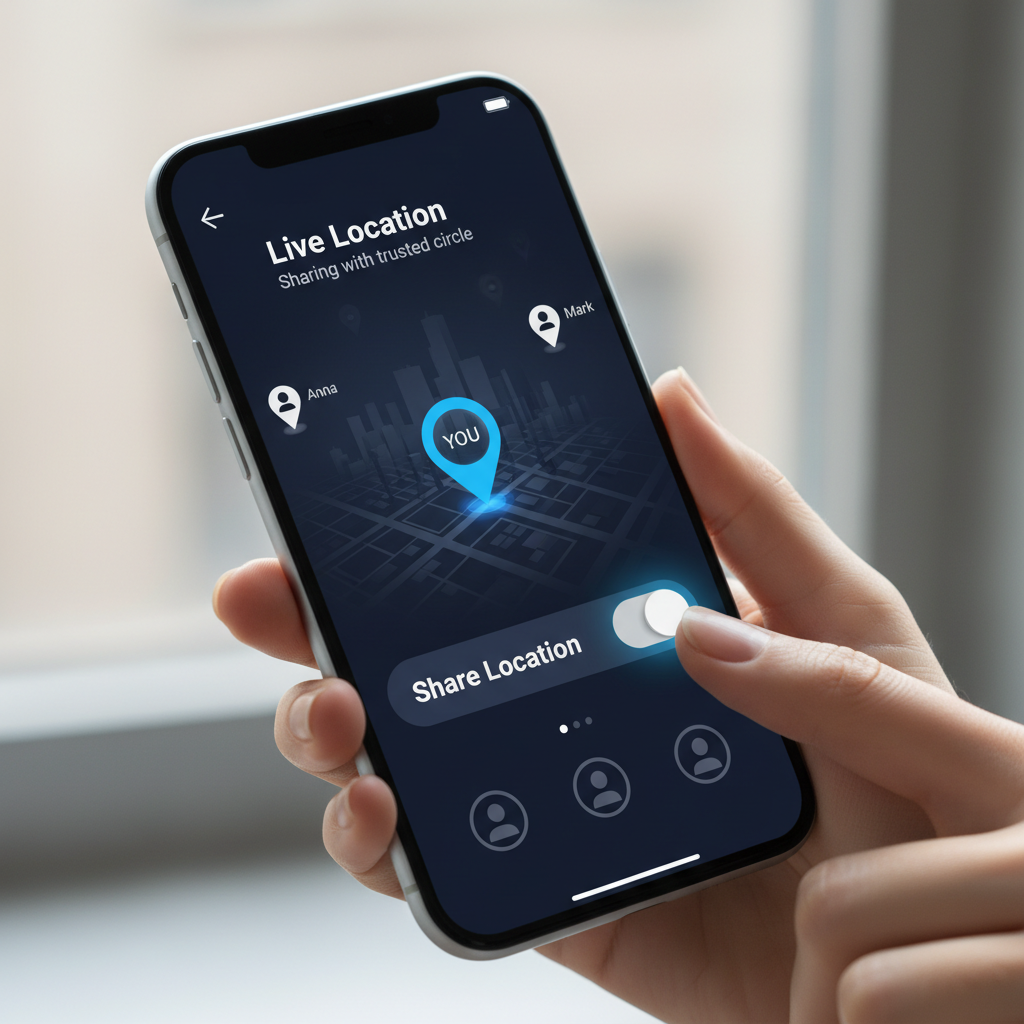
Facebook, Instagram, and TikTok all default to sharing more than most people realise. Go through your privacy settings properly rather than trusting whatever was set when you signed up years ago. Check who can see your posts, whether your friends list is public, if your location is being tagged automatically, and who can find your profile through a phone number or email search. None of this stops you using the platforms normally, it just means a stranger scrolling through can't build a picture of your daily routine, your family, or your address from a few minutes of clicking around.
Old Accounts Are a Bigger Risk Than You Think
The accounts you've forgotten about are often the ones causing the most damage. An old shopping site with saved card details, a forum you joined once and never returned to, a fitness app you tried for a month three years ago, they're all sitting there holding your personal information with security standards you have no way of checking. I'd recommend running your email through Have I Been Pwned to see which accounts have already been caught up in a data breach, then either delete what you don't use or properly secure what you're keeping with a password manager and two factor authentication. NordPass is what I use myself, and it makes tidying up old accounts far less painful than doing it from memory.
Building the Habit of Staying On Top of It
This isn't a one-off job you tick off and forget about. New accounts get created, old ones get abandoned, and your online presence keeps quietly growing whether you're paying attention or not. I'd suggest setting a reminder every few months to search your own name again and glance through your privacy settings, the same way you'd check your bank statement. If you want a proper starting point, my Safety Toolkit page has the tools I actually recommend for this, and if you're not sure where your own online presence stands, get in touch and I'll help you figure out what needs sorting first.