
Password Manager or Memory: What Actually Works
Why I Stopped Trying to Remember Everything
I used to pride myself on remembering every password I had. Looking back, that meant reusing three or four variations across dozens of accounts, which is exactly the habit that gets people caught out in a data breach. The moment one site leaks a password, every account sharing it becomes vulnerable too. Once I saw how often that happens, memorising strong unique passwords for every account stopped being realistic. It's worth checking your own accounts against a breach database occasionally too. Credential stuffing is the term for what happens next, bots trying that same leaked password against hundreds of other sites automatically, which is why one breach rarely stays contained to just the site it happened on.
What a Password Manager Actually Does
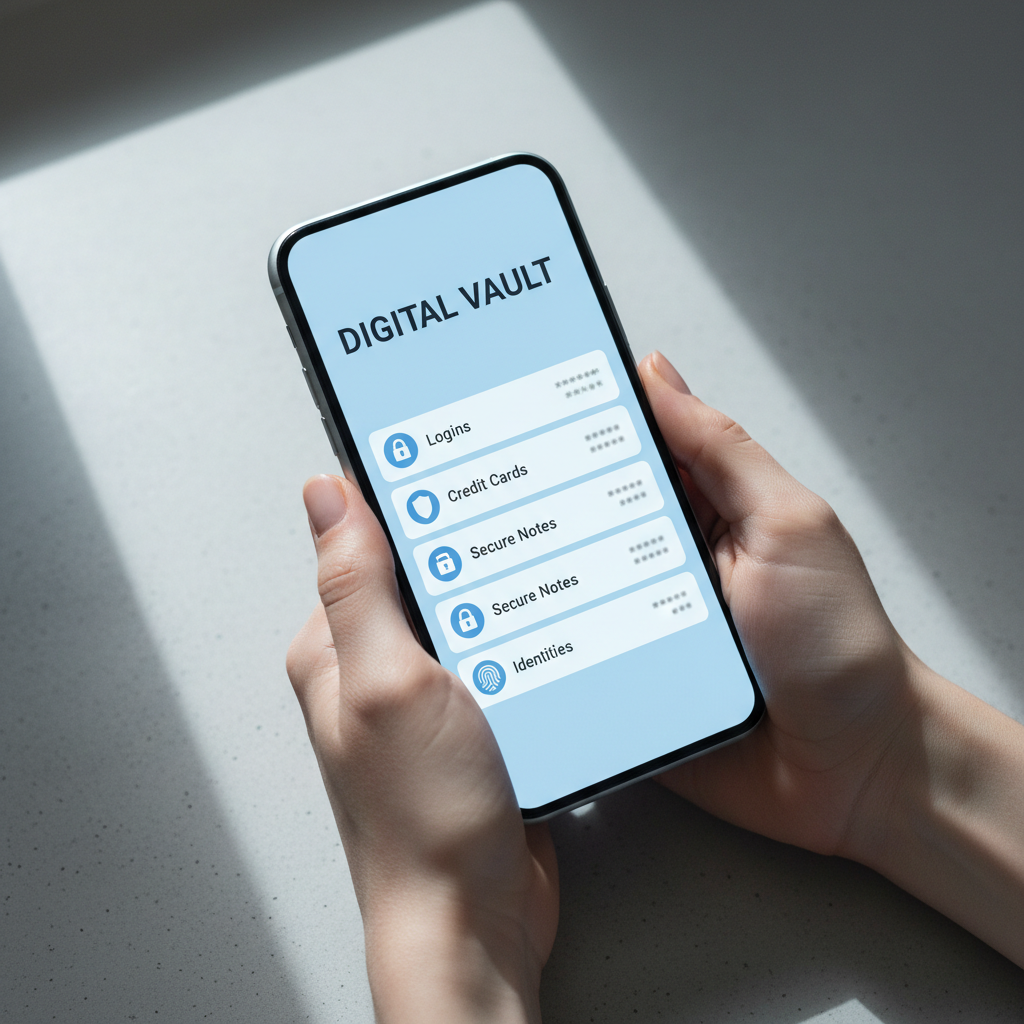
A password manager generates a long, random password for every account and stores it behind one master password you do remember. You never see most of your passwords, you just let the manager fill them in. It sounds like a small shift, but it means a breach on one site can't unlock the rest of your accounts, which is the whole point. Most password managers also generate passwords that are actually random, not just a longer version of something guessable, since a string like "Password2024!" still follows a pattern that's easy to predict even at sixteen characters.
The Case for Memorising a Few Passwords
I'm not against memory entirely. Your master password and a couple of critical accounts, like your main email, are worth knowing by heart in case you're ever locked out of your manager. Beyond that small handful, I don't see the benefit of memorising anything. The passwords you can recall are usually the weakest ones, because a memorable password is, by definition, easier to guess. I'd also point out that a password manager doesn't need a note or a spreadsheet as a backup, storing passwords in a document or a sticky note undoes most of the benefit, since anyone with access to that file or that desk has access to everything.
The Passwords I See People Get Wrong Most Often
The weakest passwords I come across almost always follow a pattern: a name, a birth year, a favourite team, then a symbol or two tacked on at the end because a site demanded it. That kind of password might satisfy a strength meter, but it's exactly the shape a cracking tool is built to guess first. Pet names, children's names, and significant dates are all easy to gather from a social media profile, which is often the first place a targeted guess starts from. A genuinely random string, the kind a password manager generates, doesn't have that weakness because there's no pattern to reverse-engineer in the first place.
Where NordPass Fits Into My Setup
I use NordPass because it works across every device I own and it flags weak or reused passwords automatically. Setting it up took less time than I expected, and it now generates and fills passwords for me without a second thought. It also pairs well with two factor authentication, which I'd recommend switching on for anything important. I've also come to rely on its breach alerts, since it flags a password the moment it turns up in a known leak rather than leaving me to find out the hard way. That's the kind of monitoring that's genuinely difficult to do for yourself account by account.
What Happens If You Lose Access to Your Password Manager
This is the question I get asked most once someone's actually decided to switch, and it's a fair one. Every password manager I'd recommend has a recovery process built in, usually a set of recovery codes you print or write down once and store somewhere physical, a locked drawer or a safe rather than a note on your desktop. I'd treat losing your master password the same way I'd treat losing a house key, inconvenient and worth avoiding, but not a reason to skip locking the door in the first place. The bigger risk, by far, is not using a password manager at all.
My Honest Recommendation
If you're weighing up whether to switch, my honest answer is do it. The upfront effort of moving your accounts into a password manager is small compared to the risk of one leaked password unlocking your whole digital life. Start with your email and banking, then work through the rest when you have a spare half hour. My Safety Toolkit has NordPass and a few other tools I recommend, and if you want a second opinion on your setup, get in touch and I'll take a look. It's a rare piece of software that genuinely makes you safer and saves you time at the same time, most security advice asks you to trade one for the other.