
What I Tell People About Social Media Safety in Liverpool


Social media isn't going anywhere, and neither are the people trying to exploit it. I get asked about this more than almost anything else, usually by someone whose mum just got a strange friend request from someone she's already friends with. Here's what's actually worth worrying about, and what isn't.
What's Actually Changed Recently
The scams have got sharper. It's not just dodgy prize giveaways anymore. I'm seeing cloned profiles that copy someone's photos and friends list almost perfectly, then message people asking for money "for an emergency". Platforms have improved their detection, but the people running these scams update their tricks just as fast. Awareness is still your best defence, not the algorithm.
The Privacy Settings Most People Skip
Most people set up their account once and never touch the settings again. It's worth a five minute check every so often. Turn off public visibility on your friends list, limit who can find you by phone number or email, and switch off location tagging on photos unless you actually need it. None of this makes your account bulletproof, but it makes you a much less appealing target than the account next to yours with everything wide open.
Spotting Fake Profiles and Scam Accounts
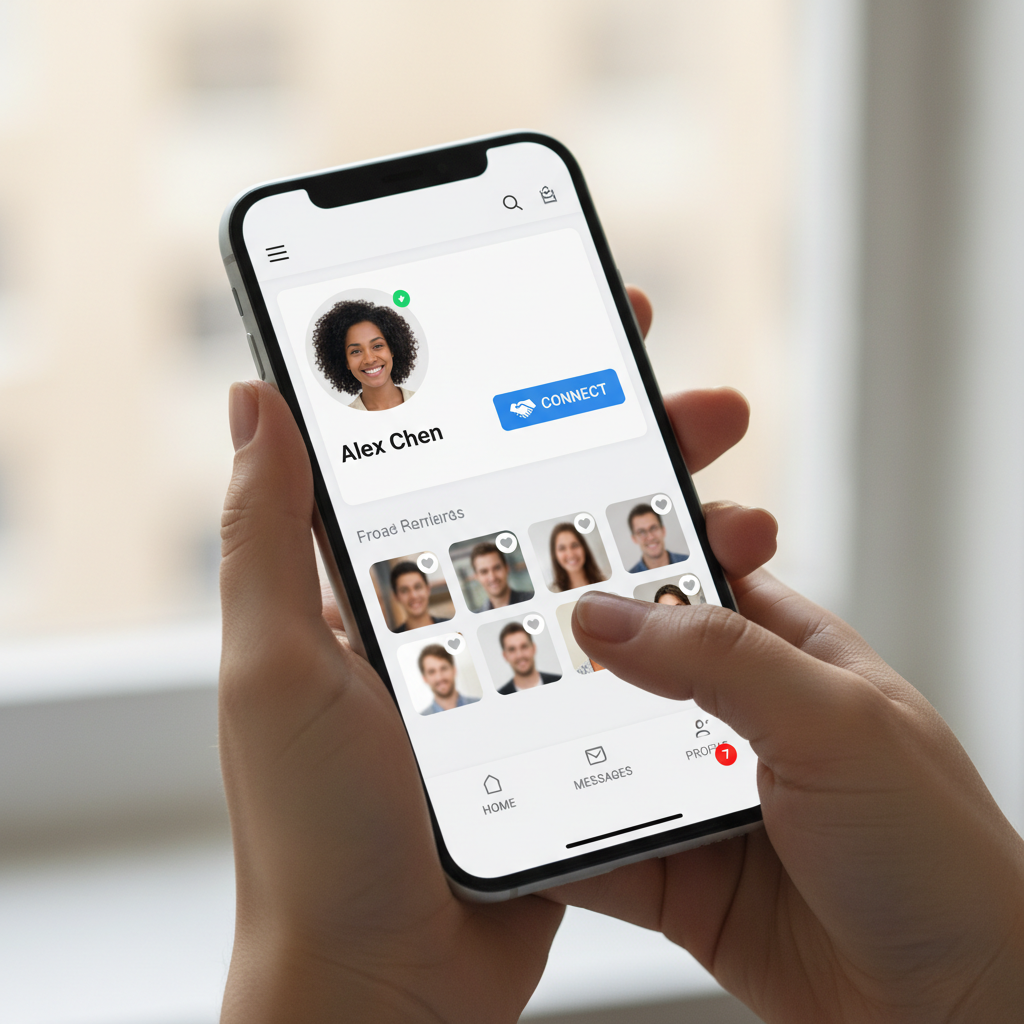
A cloned or fake profile usually has a few tells. Very few photos, a friends list that looks thin for how established the account seems, or a join date that doesn't match how long they claim to have known you. If someone you're already friends with sends a new friend request, that's a big red flag, it usually means their account has been cloned rather than hacked. I always tell people to message the real account directly to check before accepting or replying to anything.
What I Tell Parents About Their Kids' Accounts
This comes up a lot in Liverpool schools I've spoken at. I don't think locking a phone down completely works, kids find ways around it and lose trust in the process. What works better is keeping the conversation open, knowing which platforms they're actually using, and agreeing on privacy settings together rather than as a rule handed down. If you want a deeper look at the wider scam landscape they might come across, I've written about that separately.
My Simple Social Media Safety Checklist
Review your privacy settings every few months, use two factor authentication on every account that offers it, be sceptical of any message asking for money or gift cards no matter who it appears to come from, and report anything that looks like a scam through Action Fraud so others get warned too. My Safety Toolkit has the tools I actually use to keep my own accounts locked down, and if you want a hand working through your settings, feel free to get in touch.