The Phishing Scams I See Catching Liverpool People Out


Why Phishing Still Works So Well
I get messages most weeks from people in Liverpool who've had a strange text, email or phone call that turned out to be a scam. Phishing isn't clever because the criminals are geniuses, it's clever because it plays on trust and urgency. A message that looks like it's from your bank, your delivery company or even HMRC catches people off guard because it looks so ordinary. That's the whole trick. It doesn't need to fool you forever, it just needs to fool you for the ten seconds it takes to click a link.
The Fake Delivery Text That Gets Nearly Everyone
The one I see most often around here is the fake delivery text. Your parcel couldn't be delivered, click here to reschedule. It tends to land right when you're actually expecting a parcel from somewhere, which is no coincidence. Criminals send these out in huge batches knowing a decent chunk of people will be waiting on a delivery that week. Click the link and you're usually asked to pay a small redelivery fee, which is really just a way of harvesting your card details. If you weren't expecting a parcel, delete it. If you were, go straight to the courier's own website or app rather than tapping the link in the text.
The Bank Phone Call That Catches the Most People Out
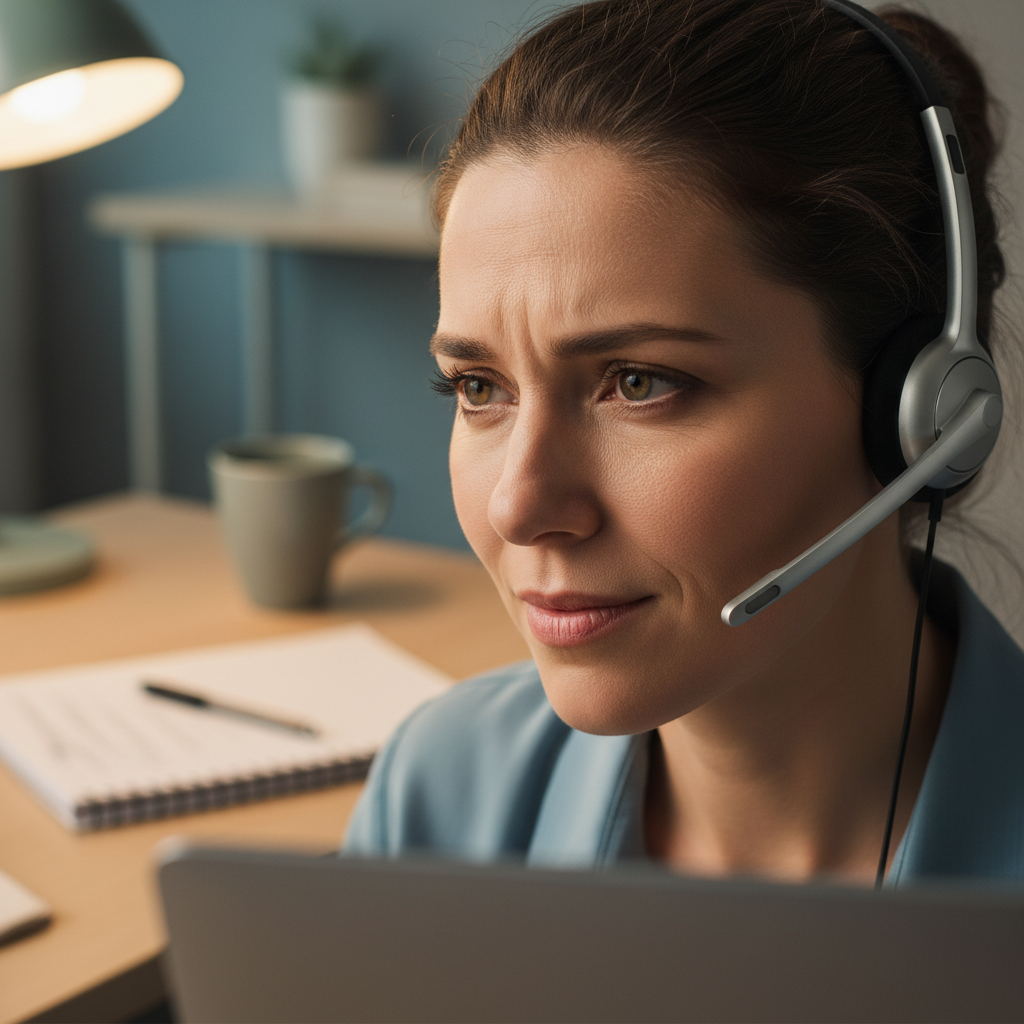
This one worries me more than any text message, because it doesn't rely on a dodgy-looking message, it relies on a confident voice on the other end of the phone. Someone calls claiming to be from your bank's fraud team, tells you there's suspicious activity on your account, and talks you through moving your money somewhere safe. Real banks will never ask you to transfer money to a new account to protect it, and they'll never ask for your full PIN or a one-time passcode over the phone. If you get one of these calls, hang up and ring your bank back on the number printed on your card, not a number the caller gives you. The Take Five to Stop Fraud campaign has some excellent guidance on exactly this kind of call, and it's worth five minutes of anyone's time.
How I Teach People to Spot the Fakes
I always tell clients to slow down for ten seconds before clicking anything that creates a sense of urgency. Check the sender's actual email address, not just the display name sitting on top of it. Hover over links on a laptop to see where they really go before you click anything. And get comfortable using a password manager properly instead of reusing the same one everywhere, because if one account does get compromised, a password manager stops the damage spreading to everything else you own. NordPass is the one I recommend to clients who want something simple that just works. I also push two factor authentication on every account that offers it, since it's one of the single biggest barriers you can put between a scammer and your accounts, even if they've already got your password. If email is more your worry than texts or calls, I've written a full guide on spotting a phishing email before you click that goes into far more detail.
What to Do If You've Already Clicked
If you've clicked a phishing link and entered any details, don't panic, but do move fast. Change the password on that account straight away, using a fresh, unique one this time. Contact your bank directly if you've entered any card details. Report it to Action Fraud, the UK's national reporting centre for fraud and cybercrime, which helps build the wider picture of what's hitting real people right now. And if you'd rather have someone walk you through locking everything down properly, get in touch and we'll sort it together. There's more on spotting scams early sitting in my Safety Toolkit if you want to keep going.