
My Honest Guide to Using a VPN in Liverpool


VPNs get talked about a lot, and not always accurately. Some people think they're only for tech experts, others think they're some kind of magic cloak that makes you invisible online. Neither is true. Here's what I actually tell people when they ask me whether they need one.
What a VPN Actually Does
A VPN encrypts the connection between your device and the internet, so anyone else on the same network, or sat between you and the website you're visiting, can't see what you're sending. It also hides your real IP address, which is the closest thing your device has to a postal address online. It won't stop you clicking a phishing link or falling for a scam text, so it's not a replacement for the basics I usually bang on about. Think of it as one more layer, not the whole suit of armour.
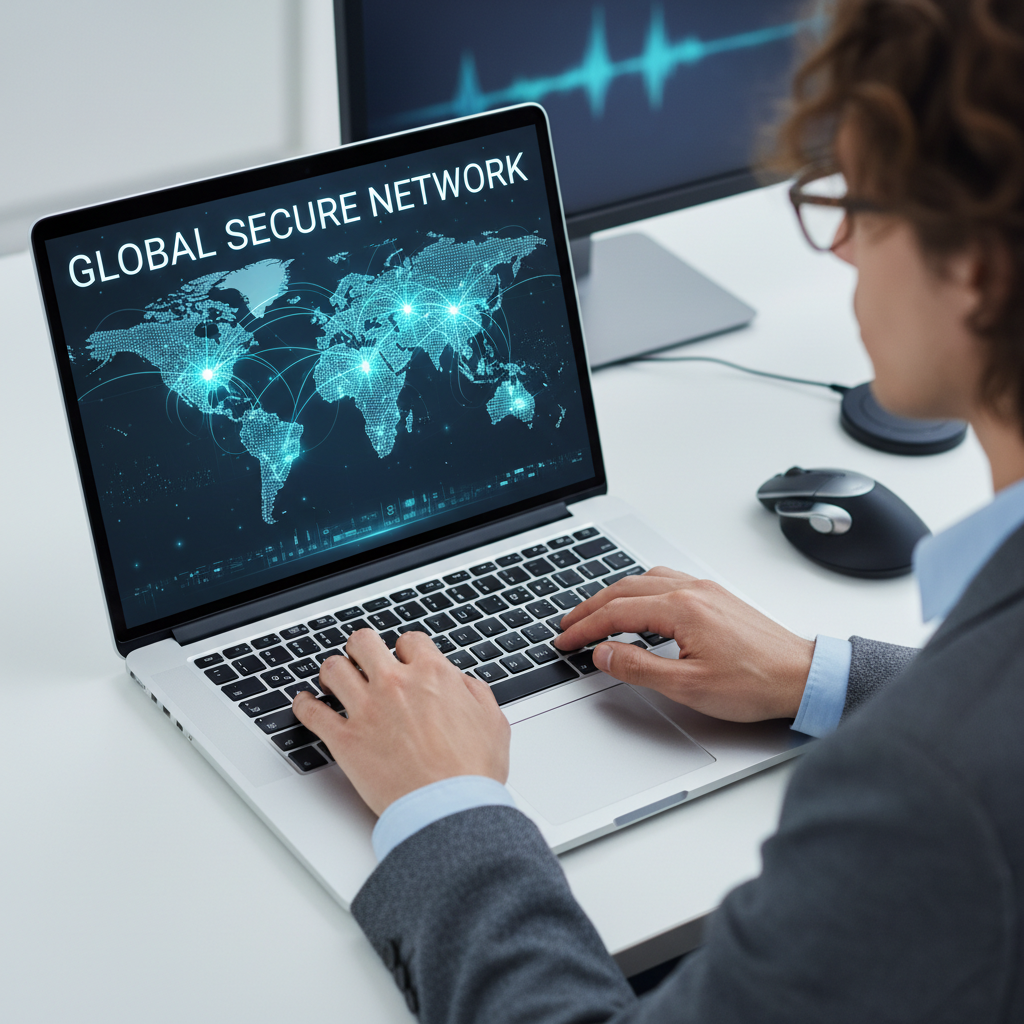
When I'd Actually Use One
Public wifi is the obvious one. Cafes, train stations, the library, anywhere in Liverpool with a free network that doesn't ask for a password is a place where someone else could potentially be watching the traffic. I also use one when I'm checking my bank account or logging into anything sensitive away from home, and when I want to keep my browsing away from my internet provider's prying eyes. If you mostly use the internet at home on your own secure network, the urgency is lower, but I'd still recommend having one ready for whenever you're out and about.
What I Look For in a VPN
Not all VPNs are created equal, and some free ones make their money by logging and selling the exact data you're trying to hide, which rather defeats the point. I look for a strict no logs policy that's actually been independently audited, servers that don't slow your connection to a crawl, and a kill switch that cuts your internet if the VPN connection drops, so you're never accidentally browsing unprotected. Ease of use matters too. If it's a hassle to turn on, most people simply won't bother.
Why I Use NordVPN
I recommend NordVPN because it ticks every box above without needing a computer science degree to operate. One tap connects you to the nearest fast server, the kill switch works exactly as it should, and it covers multiple devices on one plan, which matters if you're trying to protect a whole household rather than just yourself. I use it on my phone as much as my laptop, since public wifi risks apply just as much to a phone sat in your pocket as they do to a laptop on a cafe table.
Getting Set Up
Setting one up takes a few minutes at most. Install the app, sign in, pick a server or let it choose the fastest one automatically, and turn it on before you connect to anything you wouldn't want a stranger reading over your shoulder. It's worth pairing with a password manager like NordPass too, since a VPN protects your connection but a strong unique password protects the account itself. My Safety Toolkit has both of these set up with the links I actually use, and if you want a hand getting started, feel free to get in touch and I'll walk you through it.